Password "123456": Massive Data Breaches and the Urgency of Digital Self-Defense
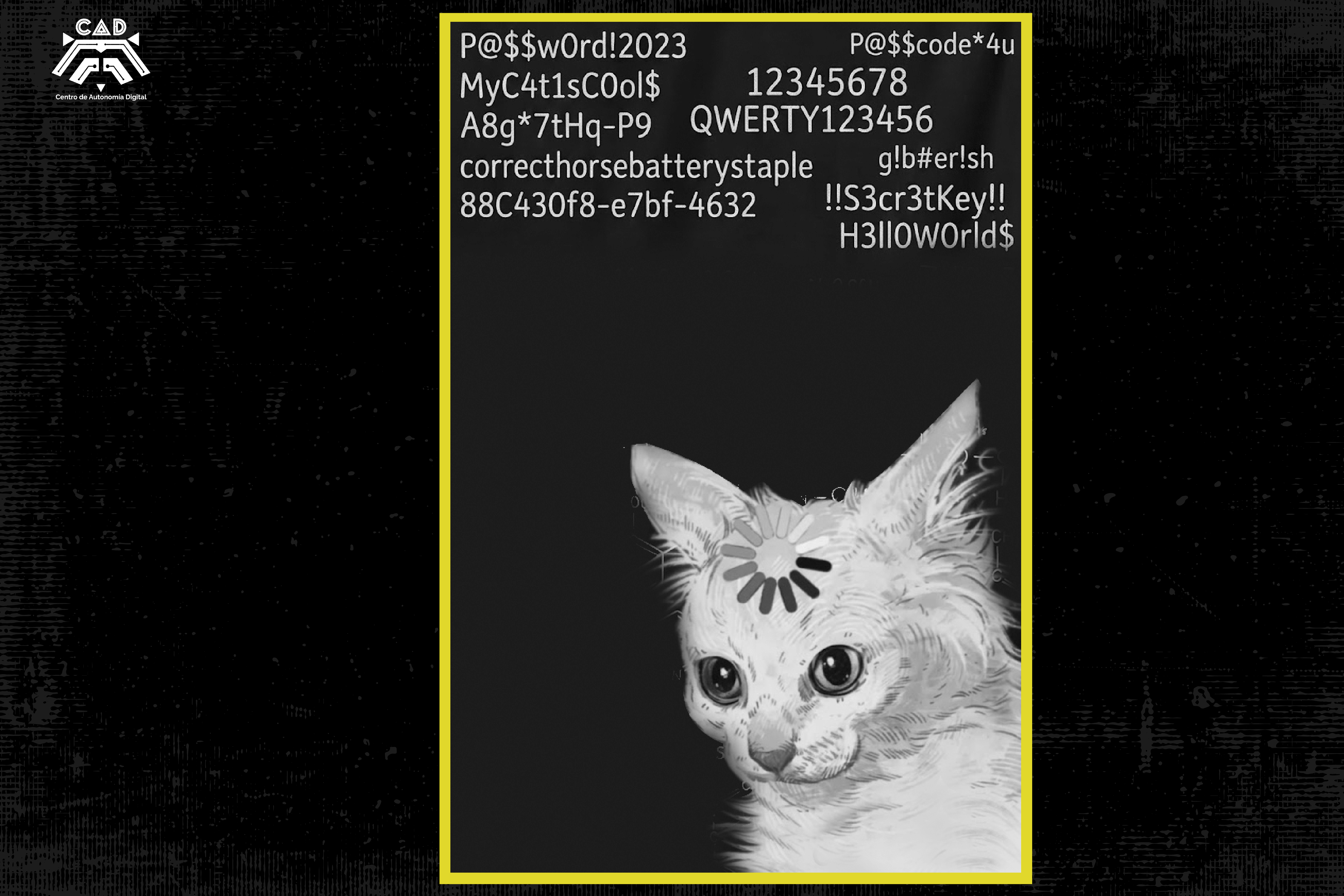
Every time we create an account online, we enter into an implicit pact of trust. We hand over personal data—names, email addresses, passwords—assuming that large companies will protect it. However, reality shows that this pact is broken. The constant leaks of databases make it clear that information is concentrated in the hands of a few actors and that corporate negligence exposes us all.
Digital security is not merely a technical issue or an individual inconvenience; it is a form of self-defense. While data breaches affect everyone, the consequences are far more serious for activists, journalists, and human rights defenders. For someone confronting abuses of power, a leaked password is not just about receiving spam—it opens the door to surveillance, state or corporate espionage, and puts entire communities at risk.
When a hack occurs, the standard response is often that the company suffered a “sophisticated attack” or, worse, that it chooses not to disclose the incident at all. The underlying problem is structural: for large platforms, collecting data is highly profitable, while protecting it represents an operational cost they prefer to minimize. By centralizing so much information, their servers become ideal targets for hackers and surveillance agencies.
The real danger begins when a platform is compromised because the damage spreads in a chain reaction. For convenience, most of us make the mistake of reusing passwords. To assess the true impact of this practice, there is a key tool in risk analysis: Have I Been Pwned. This website compiles information from hundreds of historical data breaches. By entering your email address, it tells you exactly how many times—and in which services—your account has been compromised.
To better understand this: if Canva suffered a breach in 2021 and you are still using the same password today for your email account or work tools, your credentials have effectively been exposed for years. An attacker does not need to break your security from scratch; they use automated tools that test that old password across hundreds of websites simultaneously. It is like trying a stolen key on every door in the neighborhood until one opens.
To avoid memorizing dozens of complex passwords, the market offers various solutions. However, it is worth examining them critically, separating convenience from genuine security.
We can divide them into three groups:
1. Browser Password Managers
Tools built into browsers such as Google Chrome or Microsoft Edge store your passwords and make them available with a single click. They solve the memory problem but carry significant risks:
- Easy extraction: Any malware designed to steal information—or anyone with physical access to your computer—can extract these databases within seconds.
- Surveillance by design: Entrusting your credentials to the same companies that dominate the advertising market only deepens their control over your browsing data.
2. Cloud-Based Password Managers
Popular options such as Bitwarden are easy to deploy across teams and organizations because they synchronize across devices. Being open source, their software can be audited, which is a major advantage. The main drawback is that, because they rely on cloud infrastructure, you are still entrusting your password vault to a third-party server.
3. Local and Free/Open-Source Password Managers
Alternatives such as KeePassXC are the most robust option if you seek autonomy. Unlike corporate platforms, this software creates a strongly encrypted database that exists exclusively on your own devices—your computer or a physical security key. There are no central servers to hack and no companies holding your keys.
That said, taking control also means accepting responsibility. Because it does not depend on internet services, if your device is damaged or lost, there is no “recover password” button. For that reason, maintaining secure external backups is essential.
Three Practical Steps to Protect Yourself
Improving security does not require impossible systems; it requires disciplined habits aimed at reducing potential damage. You can start with these three basic actions:
- Audit your digital footprint: Take some time to check your email addresses on Have I Been Pwned. Identify which platforms have been breached and immediately change those passwords if you are still using them elsewhere.
- Move to local password management: Start using KeePassXC. Create a database protected by a strong master passphrase—a combination of four or five random words that you can easily remember but that would be extremely difficult for a computer to guess. Let the software generate and store random passwords of more than 16 characters for your accounts.
- Enable two-factor authentication (2FA): A password should only be the first line of defense, never the only one. Enable 2FA on your critical accounts, such as institutional email addresses and social media profiles. Prioritize free and open-source applications such as FreeOTP over text messages (SMS), since SMS-based authentication can be intercepted through SIM-swapping attacks.
Changing these habits is not merely a technical preference; it is a strategic response. When you choose to remove control of your credentials from centralized servers and manage them locally, you reduce risk both for yourself and for your broader network. Technological sovereignty will not arrive because governments regulate the internet or because corporations decide to protect our rights. It is built day by day, transforming individual prevention into a collective strategy of self-defense.